UPDATE: my son traded the touchpad for a Nintendo 3DS. Hopefully last update LOL
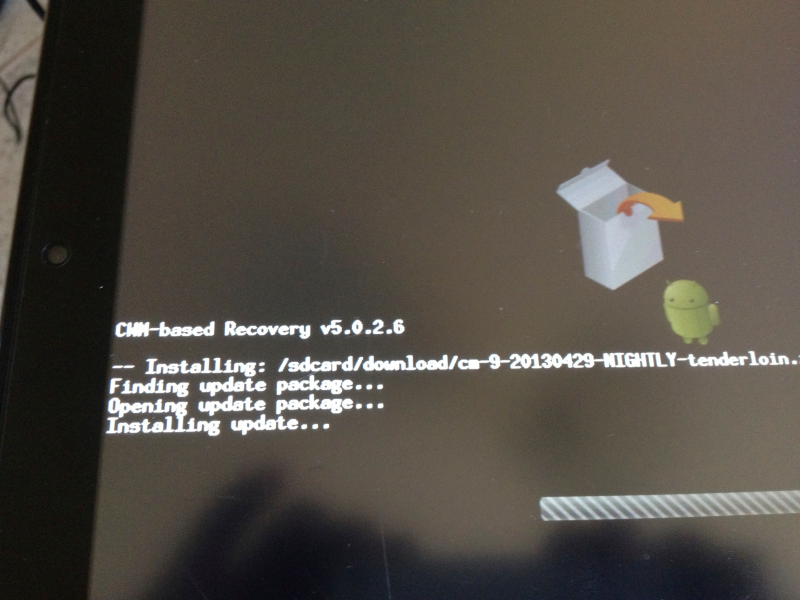
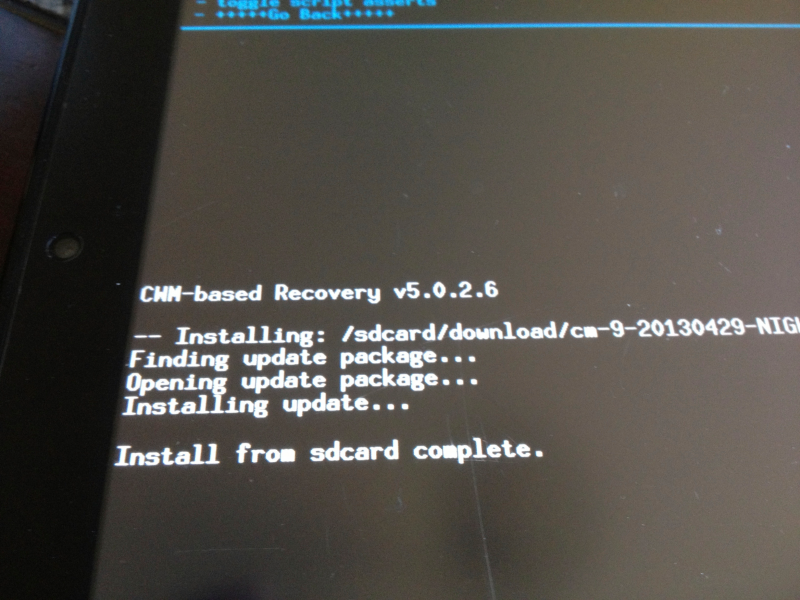
UPDATE: The person who bought my touchpad, reneged on his offer, so I guess I am keeping it after all :-). I thus took the opportunity to go ahead and update to the latest version of CM9. The update can be done on the touchpad itself. Just download the latest stable build and reboot and point to the update. Some Pix…
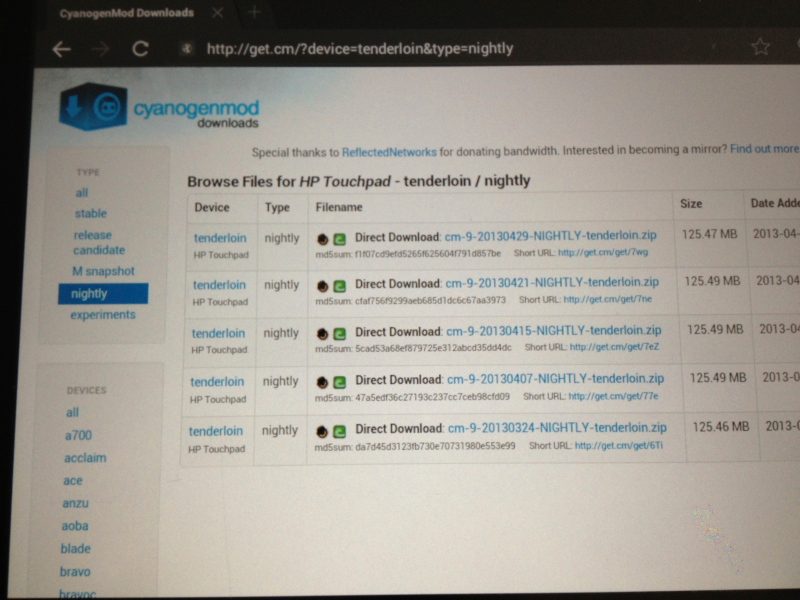


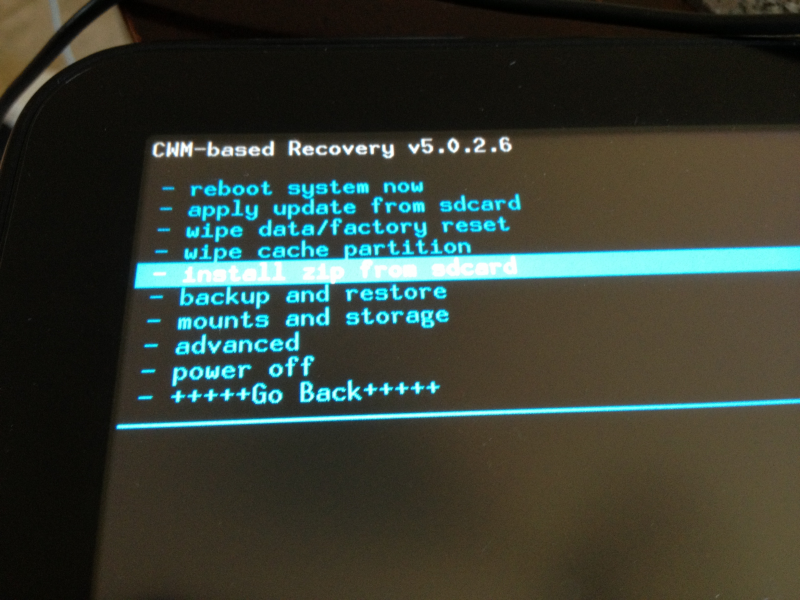
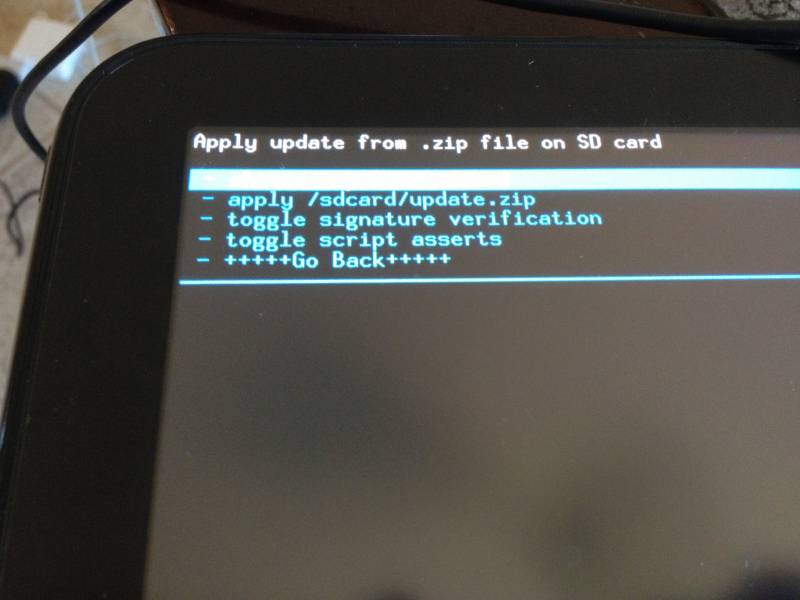
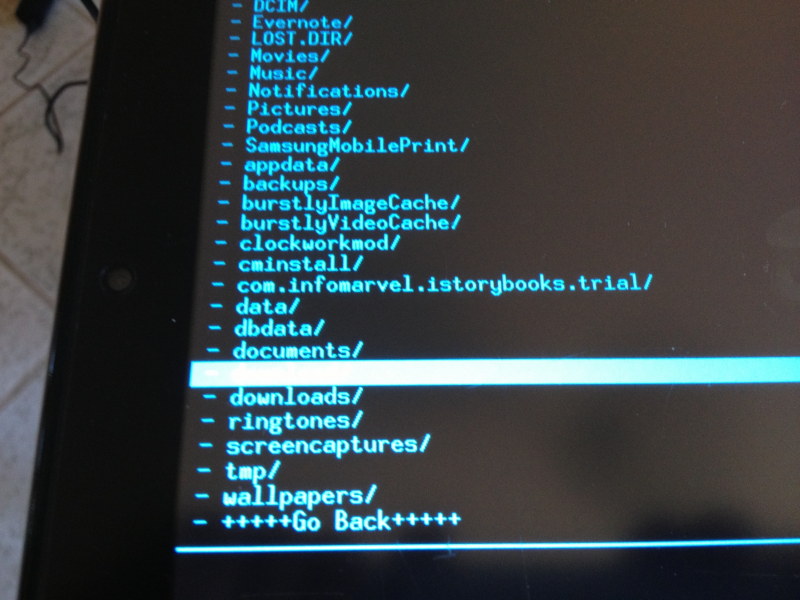


UPDATE: I have sold my HP touchpad… Besides the initial novelty of “hacking” it, I have not found much other use for it. The initial excitement I had for the device, lasted for an year or so I guess. Now, I am going to let some other adventurous person have fun with it.
=================
I was one of the many who got carried away by the Touchpad fire-sale frenzy. I picked up 2 touchpads. Pretty quickly I realized why HP “bombed” on the touchpad. It was really limited!!! I started looking at Android. To be honest I was secretly hopping that someone would port Android on this sooner than later, when I make the gamble to purchase the Touchpad.
Once I found it , I quickly installed and decided to give it a drive. There are quite a few forums that talk about how to do this, so I won’t waste time going over it again. One important thing to remember is that you can now dual boot your tablet, once you install the Cyanogen Mod. Really smart on the part of the developers.
For the install, you need the following files (refer to http://www.howtogeek.com/76960/how-to-install-android-on-your-hp-touchpad for more details):
- Palm Novoacom
- moboot
- CyanogenMod
- Clockwork recovery
- ACMEInstaller
Once you have them, rest is a piece of cake. I had never “jailbroken” any device before, but this was so easy, that I went ahead and performed the same on 4 other devices, for my colleagues.
I have been using this Android Trouchpad for a couple of months now, and would like to say that it is awesome. Oh BTW, make sure you install the Amazon App store. They give out a free app every day. Of course I don’t download every free app, but ever once in a while they have a really good app for free and I grab it.
I have been using my e-mails, firefox, some games, netflicks etc on this device and so far I have no reason to complain…
 Chabak's Blog