As with most of my DIY repair projects, this one started when my Samsung TV (an older not-smart TV) started flashing a no source available error message on the screen. In addition, the remote was non-responsive. I did the usual, unplug everything, let it sit for a while, re-plug everything back drill, but nothing changed. Did some reading and viewing online and the articles pointed to a malfunctioning IR sensor being the culprit, with a few tips on how it could be resolved.
Taking their guidance, I put the TV on a soft surface, took apart the back panel and unplugged the cable to the sensor panel.
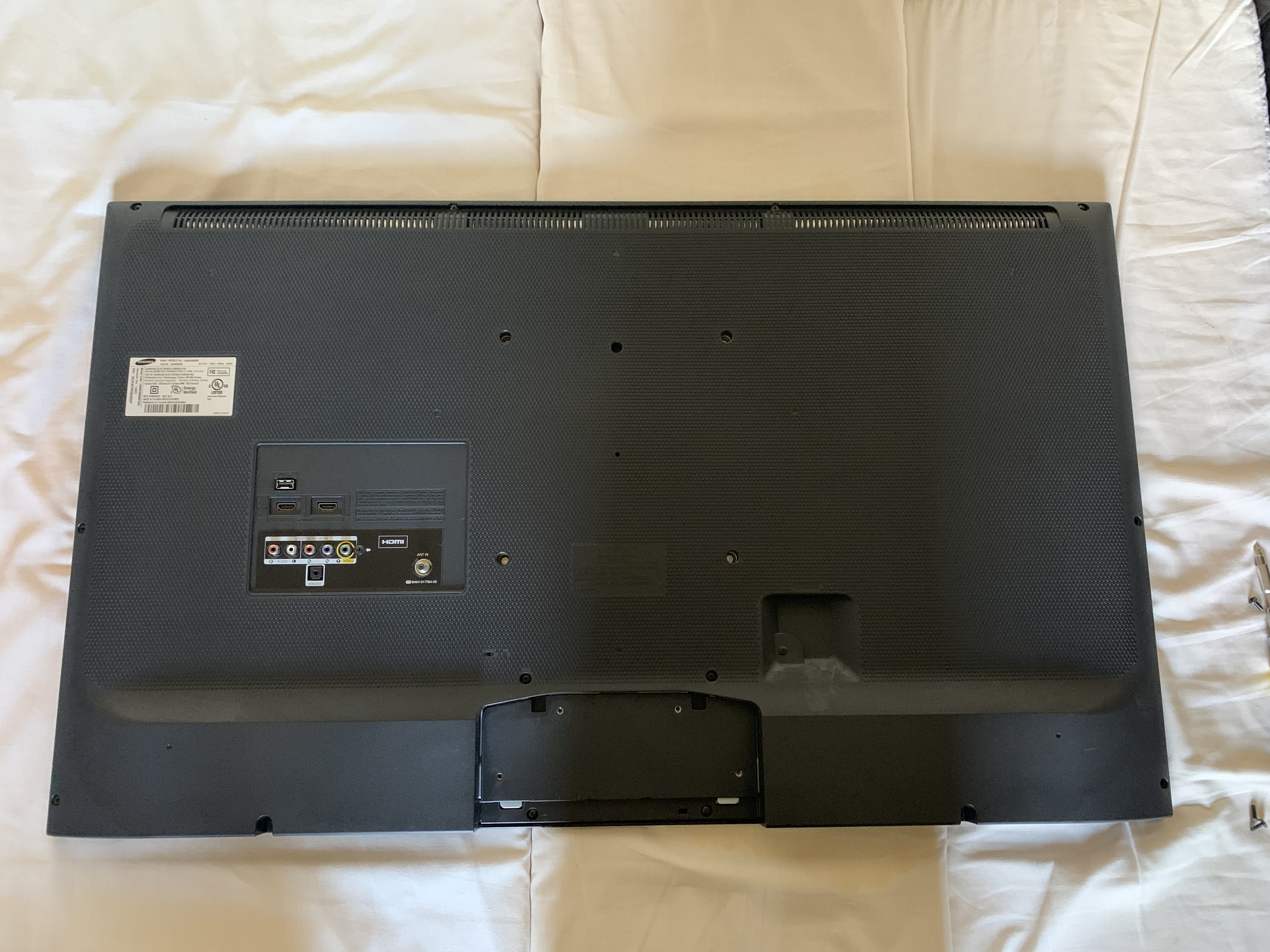
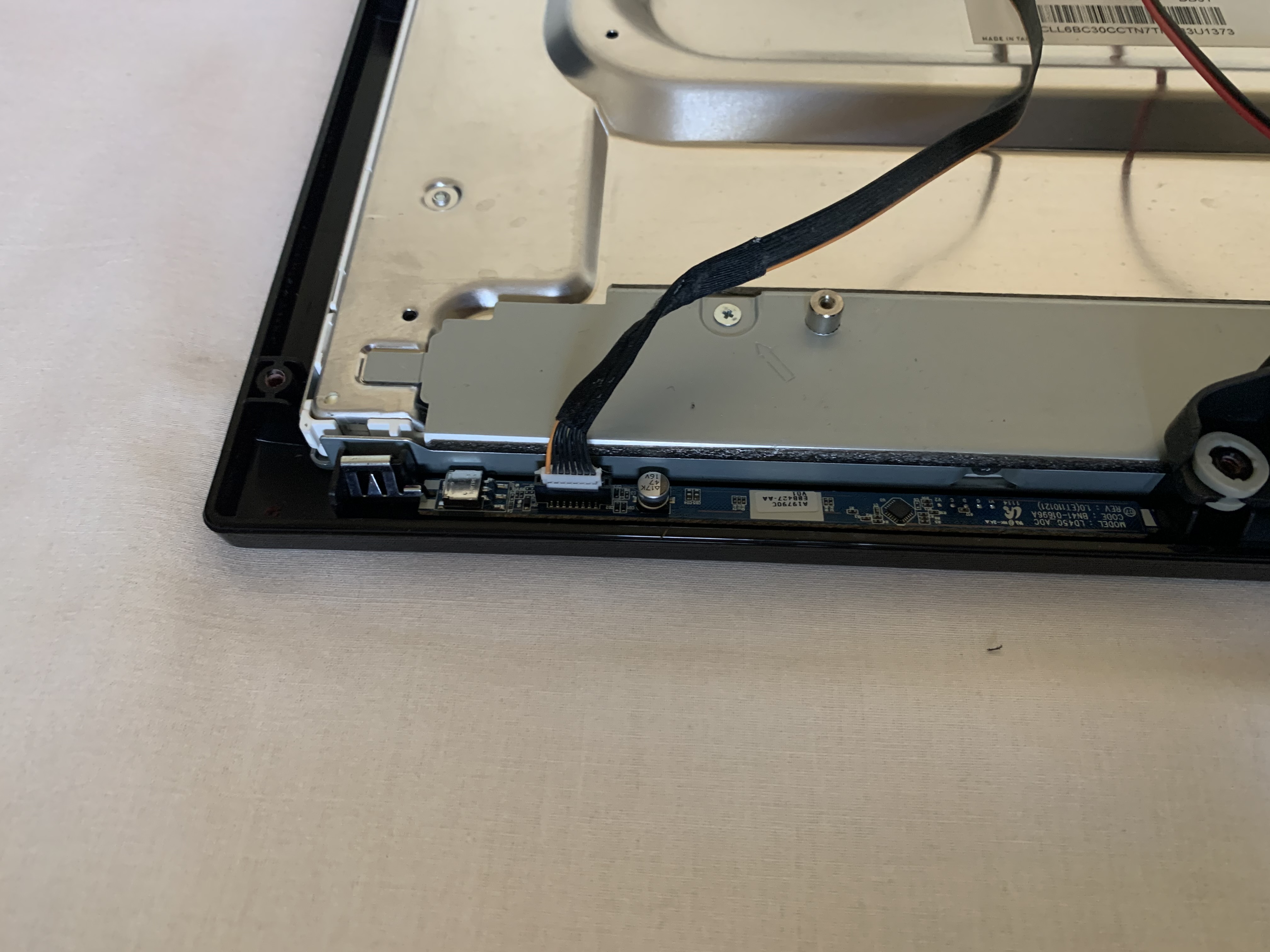
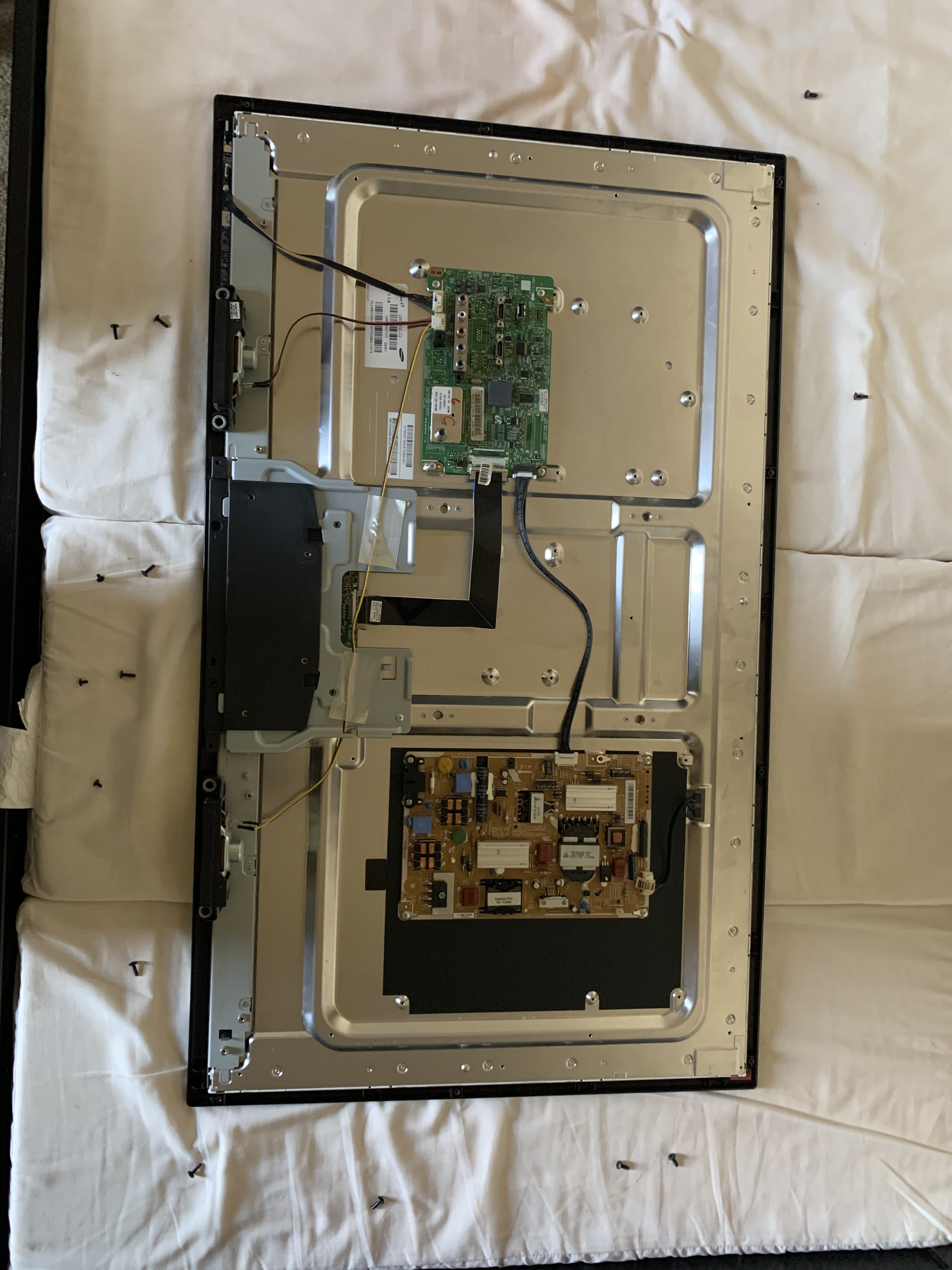
To check whether it did anything useful, I screwed in the back panel and plugged in the TV. Great, the error message was gone. But of course, since I had unplugged the IR board, I was not able to use the remote or do anything to test the TV functionality.
I opened the back panel and plugged back the cable to the IR board, screwed on the back panel once again. And lo and behold! the TV started working properly. That was indeed a pretty good surprise, considering I had given up hope and was about to toss out the TV.
Unfortunately, after a few days of usage, the sensor stopped working again! At this point I have disconnected it, and am controlling the sound via the external cable box! Hey it’s working, so no complaints :-). As they say Re-use etc!
 Chabak's Blog